Understanding Digital Distractions in Remote Work
Common Sources of Digital Interruptions
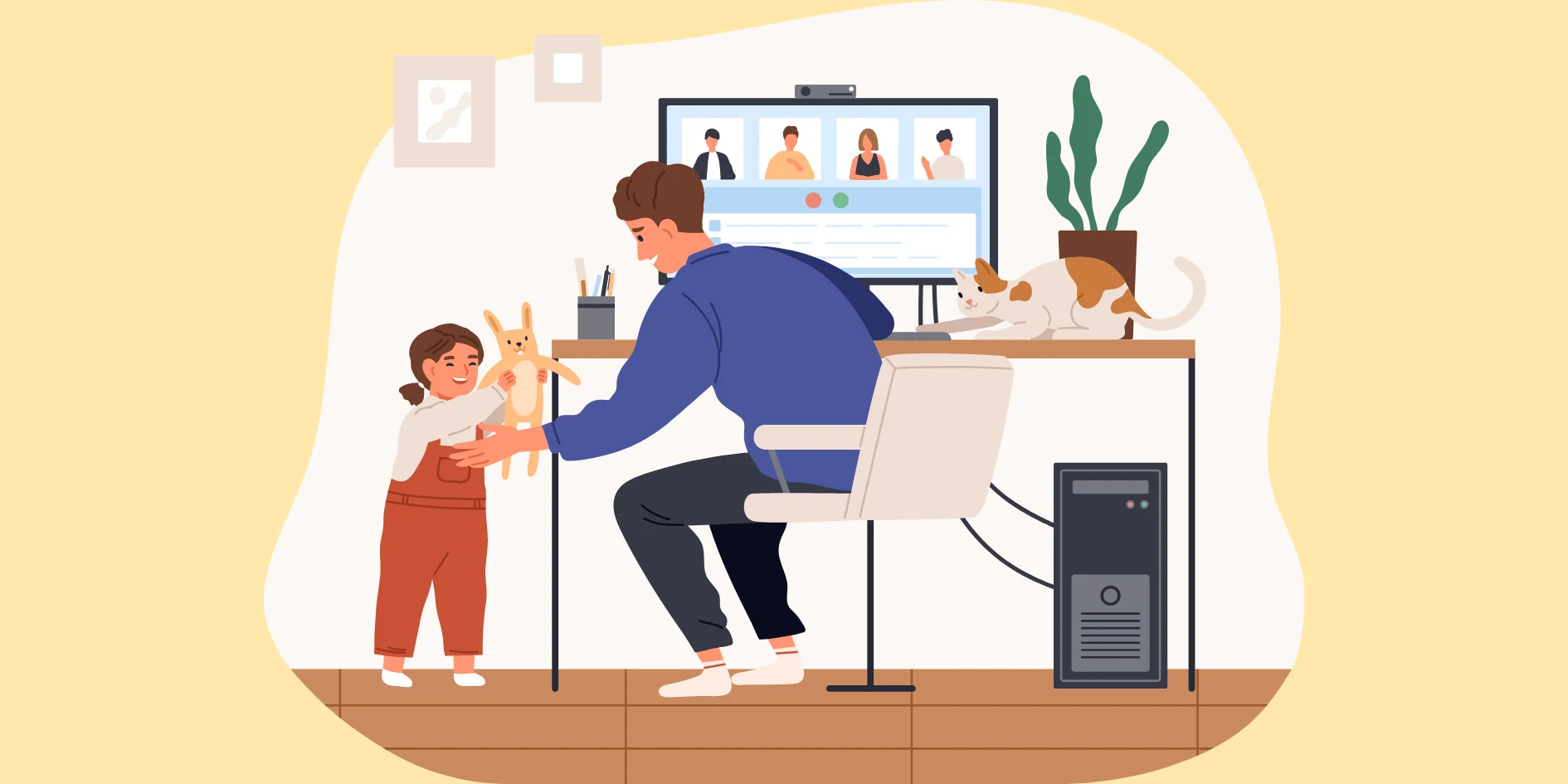
Working from home has become increasingly common, but it also brings a unique set of distractions. Household chores that seem urgent can unexpectedly consume more time than planned. Family members, pets, or housemates may interrupt at inopportune moments, making it hard to focus. Digital distractions loom large as well—social media notifications, personal emails, and the endless rabbit hole of internet browsing can easily pull your attention away from tasks. Add to this the blurred lines between work and personal life, and suddenly your schedule feels more like a juggling act than a structured day. Our home environments often include tempting distractions such as streaming services, gaming consoles, books, or the presence of a partner, all competing for attention.
Impact on Productivity and Well-being
The constant pings of emails, Slack messages, and app notifications create a feeling of being “always on,” which paradoxically can lower productivity. This continuous partial attention leads to fragmented work and mental exhaustion. Over time, this can also contribute to stress and burnout, affecting your overall well-being. When boundaries between work and personal time blur, it’s easy to end up working late into the night to catch up, disrupting sleep patterns and maintaining an unhealthy work-life balance. It’s important to recognize these impacts early to prevent long-term consequences.
Setting Up Your Workspace for Focus
Choosing the Ideal Physical Environment
Creating a dedicated workspace at home is a crucial first step in minimizing distractions. Finding a quiet location, away from the household’s high-traffic zones, sets the stage for focused work. It’s not just about location, but also comfort. Investing in ergonomic furniture that supports good posture can make long hours at your desk much easier on your body. Proper lighting plays a role too—natural light helps maintain alertness, while a well-placed desk lamp can reduce eye strain during darker hours. A clutter-free space with only the essentials can help keep your mind clear and ready for work.
Organizing Digital Tools and Devices
Once your physical workspace is set, attention should turn to digital organization. Having quick access to necessary files, apps, and tools without cluttering your desktop or browser can reduce the temptation to toggle between unrelated windows. Close unused tabs and apps to diminish distractions, and consider using clean, simple digital layouts. Organizing your digital workspace with folders, bookmarks, and streamlined software helps build a productive environment where technology works for you, not against you.
Practical Techniques to Reduce Digital Distractions
Using Software and App Controls
Technology offers powerful tools for managing distractions if used wisely. Turning off non-essential notifications can dramatically lower interruption frequency. Many people benefit from website blockers like Freedom or SelfControl, which can prevent access to social media and other distracting websites during work hours. Scheduling specific times to check emails or social media, rather than allowing random engagement throughout the day, helps maintain focus. Sometimes, logging out of addictive apps or even leaving your phone in another room can remove digital temptation altogether, creating a healthier boundary between work and distractions.
Establishing Clear Work Boundaries
One of the biggest challenges in remote work is setting and maintaining clear boundaries. Communicating your work schedule openly with family or housemates provides them with expectations that you are unavailable during specific times. Visual signals such as a closed door or a “Do Not Disturb” sign can reinforce this. Planning intentional times for social interaction helps minimize unexpected interruptions, striking a balance between work and personal relationship needs. Recognizing that being distractible is a natural human trait can help you be more patient with yourself as you implement these boundaries.
Creating a Personalized Daily Routine
Time Blocking and Scheduled Breaks

Building a structured daily routine is one of the most effective ways to combat distractions. Time blocking involves dividing your day into focused work sessions and scheduled breaks, often following 30- to 55-minute intervals. These breaks can include quick chores, snacks, stretching, or even brief walks to reset your focus. Starting and ending work at the same time every day creates a routine that your mind can anticipate and respect. Incorporating regular team check-ins or virtual meetings adds accountability and creates rhythm. Scheduling non-work activities like meals or exercise ensures that every part of your day is accounted for, reducing the chances of unplanned disruptions.
Incorporating Mindfulness for Concentration
Mindfulness techniques can be incredibly helpful in sharpening your concentration. Taking a moment before work sessions to center your attention on the task at hand can reduce wandering thoughts. Simple exercises such as deep breathing, brief meditation, or focusing on your breath for a few minutes can prepare you to tackle distractions with greater ease. Over time, practicing mindfulness helps improve your ability to return to focus more quickly after interruptions, turning distraction into manageable moments rather than productivity killers.
Leveraging Technology to Enhance Focus
Productivity Apps You Should Try
There are many apps designed specifically to help you stay focused and organized. Tools like Toggl Track can help monitor how you spend your time, making it easier to identify distraction patterns. Task management apps such as Todoist or Notion can keep your priorities visible and manageable. For blocking distractions, apps like Freedom and SelfControl offer customizable options to temporarily prevent access to tempting websites or apps. Many smartphones also include built-in Digital Wellbeing or Screen Time features, enabling you to set daily time limits on apps and silence notifications during work hours, blending technology with self-discipline.
Automation for Repetitive Tasks
Automation can be a hidden gem in improving focus by reducing the cognitive load of repetitive tasks. Simple automations like email filters, calendar reminders, or pre-set reply templates free your mental bandwidth for more important work. Integrations between tools can minimize the need for manual data entry or switching between platforms. By letting technology handle routine tasks, you can create smoother workflows and spend your energy where creativity and critical thinking matter most.
Monitoring Your Progress and Adjusting Strategies
Tracking Productivity Metrics
Keeping an eye on your progress helps you understand what’s working and what isn’t. Using time-tracking apps or journaling your productivity levels can provide insight into when distractions tend to strike and how long it takes to regain focus. Review your achievements versus your planned goals regularly, and notice any recurring stumbling blocks. This awareness enables you to tweak your environment, schedule, or tools to support your focus better.
Adapting Your Approach Over Time
Minimizing digital distractions is an ongoing process rather than a one-time fix. As your personal circumstances, workload, or home environment change, your strategies should evolve as well. Experiment with different techniques, schedules, or software until you find the most effective combination for you. Don’t hesitate to reassess boundaries or routines if they no longer serve their purpose. By being flexible and responsive to your needs, you’ll maintain a productive and balanced approach to working from home over the long term.