Introduction to Monthly Home Office Maintenance
Why Regular Upkeep Matters
Maintaining a home office can become overwhelming if regular cleaning and organizing are neglected. Without consistent attention, clutter quickly accumulates, making it difficult to focus and reducing overall productivity. Key tasks like sorting paperwork, managing digital files, and cleaning electronics often get postponed, leading to a chaotic workspace. These problems usually stem from inconsistent maintenance habits and underestimating the impact of small daily messes.
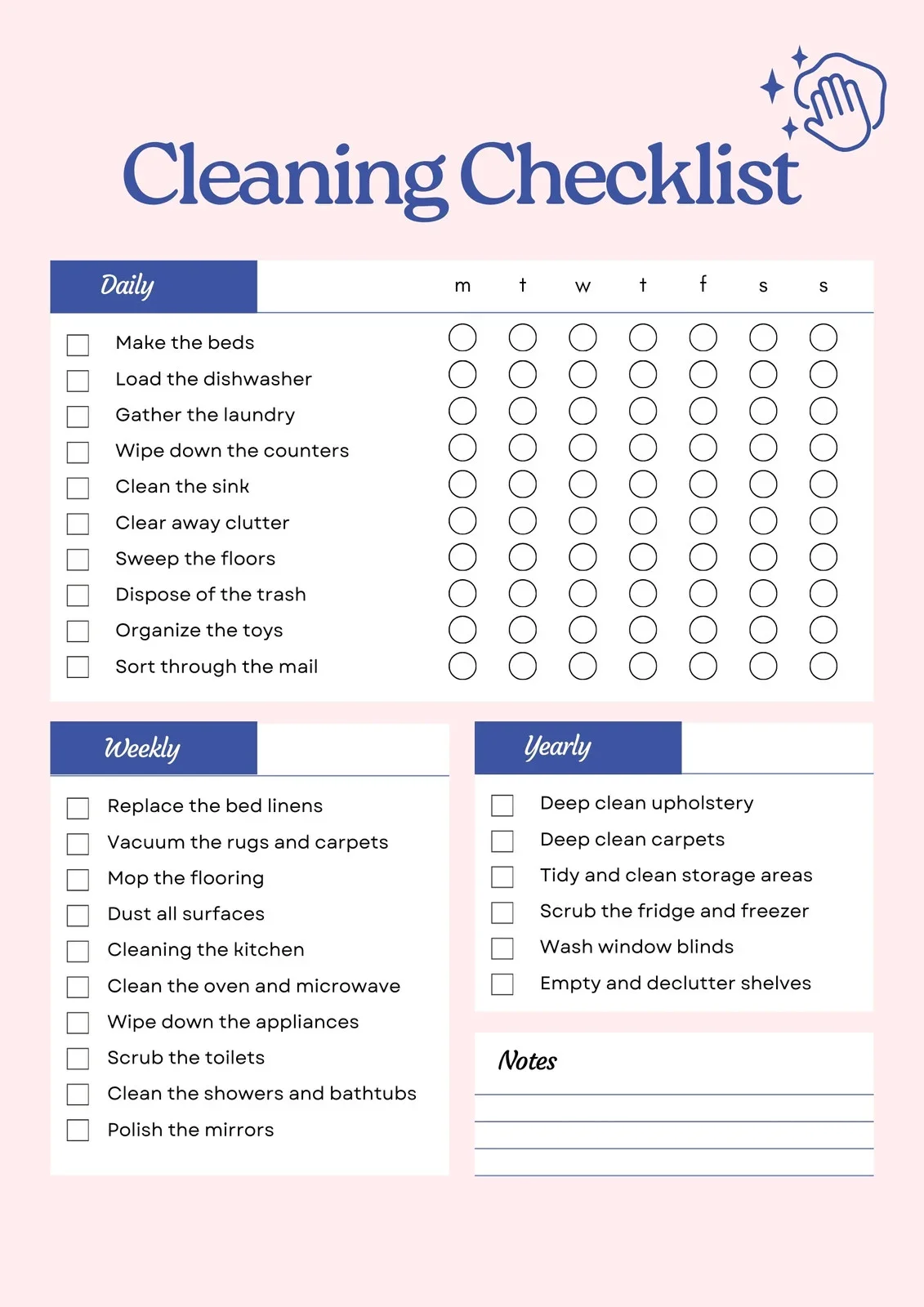
To avoid the buildup of clutter and maintain a functional environment, establishing a monthly routine for upkeep is essential. This structured approach prevents small issues from snowballing into larger frustrations. By addressing common problem areas systematically, you can create a workspace that supports your work instead of hindering it.
Benefits of a Clutter-Free Workspace
A clean, well-organized home office offers numerous advantages. A clutter-free desk promotes mental clarity and reduces distractions, allowing you to focus more effectively on tasks. It also minimizes the time spent searching for important documents or supplies, increasing efficiency throughout the day. Moreover, regular maintenance reduces the presence of germs and dust, contributing to a healthier workspace.
Besides productivity and health, a tidy environment contributes to a professional appearance during virtual meetings and helps sustain motivation. When your space is orderly, you foster a mindset that encourages discipline and positive work habits, setting a tone for daily success.
Essential Monthly Tasks for Organizing Your Desk
Clearing and Sorting Paperwork
One of the most common causes of desk clutter is unchecked accumulation of paperwork. Unsorted documents often pile up in designated “drop zones,” creating a disorganized barrier to productivity. This problem is usually caused by lacking a clear system for categorization or procrastinating on regular review sessions.
To solve this, dedicate time each month to sorting through all paperwork. Use simple, consistent categories to quickly decide which papers to keep, digitally archive, or discard. Being honest about what you actually need helps prevent overstocking and unnecessary storage. This monthly decluttering keeps your desk free from piles and makes future organization easier.
Digital File Management
Digital clutter can be just as disruptive as physical mess. Files without clear naming conventions or folders make it difficult to retrieve important documents promptly. This problem often arises from irregular digital maintenance and the absence of a consistent organizational system.
A monthly digital clean-up session can dramatically improve efficiency. Rename files with meaningful, consistent titles and organize them into clearly labeled folders. Removing duplicates and archiving or deleting outdated files reduces digital clutter. Regular maintenance ensures your digital workspace stays as navigable as your physical one.
Maintaining Office Supplies Inventory
Another common issue is running out of essential office supplies or overstocking items that remain unused, which often stems from poor tracking and unclear priorities. Without a planned inventory check, you risk interruptions in workflow or clutter caused by excess stock.

Each month, review your supply levels and usage patterns honestly. Discard any broken, expired, or duplicate items. Restock only what you need to maintain smooth operation. This prevents drawer overflow and streamlines your workspace.
Cleaning and Upkeep Tips for Electronics
Proper Cleaning of Keyboards and Screens
Electronics accumulate dust, fingerprints, and bacteria, but improper cleaning methods can damage devices. Many people mistakenly spray liquids directly on screens or keyboards, risking costly repairs or replacements. This harmful habit is easy to avoid with the right approach.
Use microfiber cloths and screen-safe cleaners to gently wipe surfaces without excess moisture. Never apply liquids directly; instead, spray onto the cloth and then clean. Regular monthly cleaning removes grime buildup and keeps your devices hygienic and fully functional, preventing irritation or infection from germs.
Optimizing Device Performance
Performance issues like slow startup or lagging can often be linked to neglecting software updates and maintenance. Ignoring these routine tasks causes devices to underperform and can lead to lost productivity.
Set a monthly reminder to update software, run antivirus scans, and clear temporary files. These actions optimize device responsiveness and security. Good electronic upkeep complements physical maintenance to keep your home office running smoothly.
Storage Solutions and Space Optimization
Decluttering Drawers and Cabinets
Drawers and cabinets are prime spots for accumulating forgotten, broken, or duplicate supplies. Many offices suffer from overstuffed storage that makes finding items frustrating and slow. This usually happens when regular decluttering is skipped or insufficiently thorough.
Conduct monthly reviews of drawer and cabinet contents. Remove items that are no longer useful or belong elsewhere. Group similar items using small containers to facilitate order and ease of access. Maintaining intentional placement minimizes clutter accumulation over time and maximizes available space.
Implementing Efficient Storage Systems
Without efficient storage systems, even the tidiest desk can quickly become chaotic. Ineffective organization stems from a lack of designated spaces for frequently used items and inadequate categorization methods.
Consider implementing labeled bins, modular drawers, or vertical organizers tailored to your workflow. A well-designed system decreases clutter by making it easy to return items to their proper spots. Incorporate your monthly schedule to reassess and adjust storage as your needs evolve.
Reviewing Workspace Ergonomics
Adjustments for Comfort and Productivity
An uncomfortable workspace leads to physical strain and reduced focus. Issues like poor chair height or monitor positioning often go unnoticed until discomfort builds up, impacting work quality and health.
Each month, review your ergonomic setup to ensure it supports your body properly. Small adjustments like correct monitor distance, chair height, and keyboard placement can drastically improve comfort. This proactive approach helps prevent repetitive strain injuries and keeps energy levels high.
Incorporating Healthy Habits
Workspace organization is incomplete without healthy habits. Neglecting hand hygiene or failing to take breaks causes germs to spread and fatigue to increase. These common oversights degrade both wellbeing and performance.
Encourage practices such as using hand sanitizer, refilling cleaning supplies regularly, and scheduling brief stretch breaks. Treat your workspace as a safe, clean zone that supports both productivity and health. Integrating these habits into your monthly routine maintains a positive environment.
Monthly Maintenance Schedule Template
Step-by-Step Checklist
To simplify the process, create a step-by-step checklist that breaks down the monthly maintenance into manageable tasks. Start with clearing paperwork and digital file updates. Follow with restocking supplies and cleaning electronics carefully. Next, declutter storage areas and rearrange items where necessary. Finally, review ergonomic setups and reinforce healthy habits.
By assigning specific days for each task or grouping related activities, you avoid feeling overwhelmed. This structured timetable ensures consistency, making upkeep a natural part of your workflow.
Personalizing Your Routine
Each home office has unique needs based on space, equipment, and work style. Personalize your maintenance routine by prioritizing tasks that address your specific pain points. For example, if digital clutter is a bigger issue, allocate extra time to file management. Alternatively, if physical supplies are the challenge, focus on inventory controls.
Adjust the frequency and depth of certain tasks as your workspace evolves. Using a shared checklist can help if multiple people use the office, keeping everyone aligned. Ultimately, a customized approach ensures your maintenance routine is both practical and sustainable, preserving a clutter-free home office effortlessly month after month.